

Make Your Cameras Smarter with AI Cam Control®
Convert your fixed cameras to ePTZ
AI Tracking

Session metadata logging
Multiple Layouts
Licenses

Free and exclusive for one Laia* IP/USB camera

Free and exclusive for one Laia* IP/USB camera

Paid and exclusive to Laia* and non-Laia cameras.
*Compatible with current Laia cameras. Do you have an older model? Check the complete list to see if it’s included.
Added value
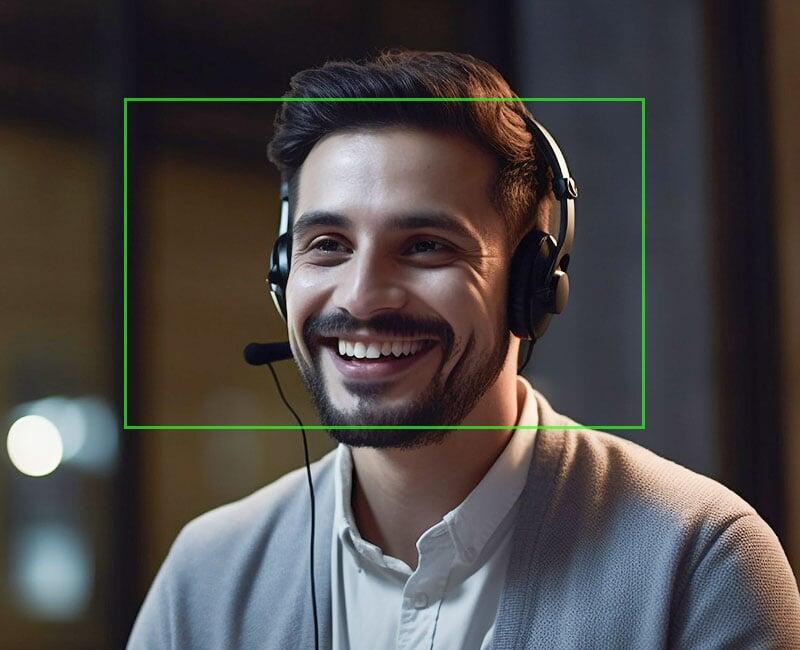
Endow your cameras with Artificial Intelligence (AI)
Gesture control
Mosaic of participants
Face and background masking
Layouts
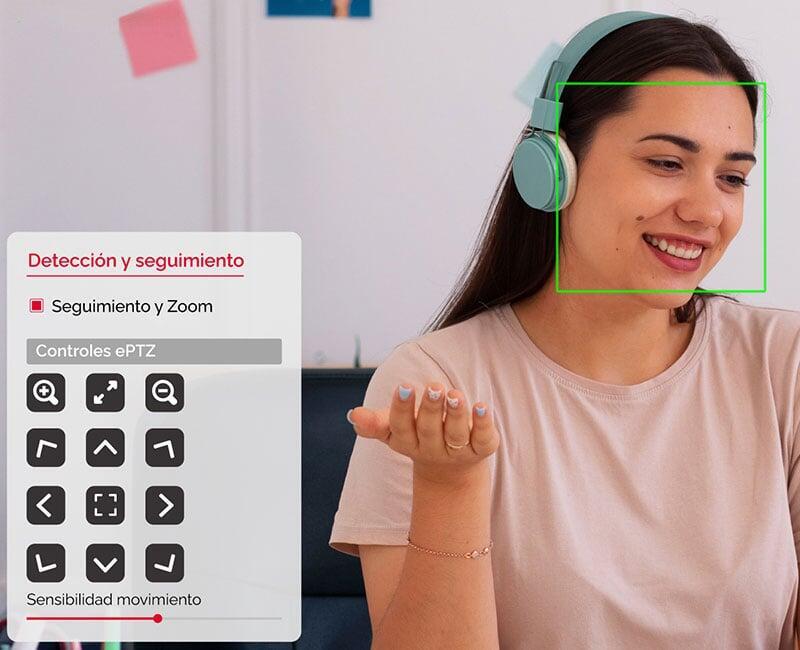
Convert your fixed cameras to ePTZ

Session metadata logging

Date / Logo / Time customization
Auto-tracking with AI
This function allows you to activate and adjust the automated tracking functionality, detecting the presence of a person and making the necessary PTZ adjustments so that the person remains correctly framed at all times. When the person leaves the camera's view range, one of the saved presets is activated.
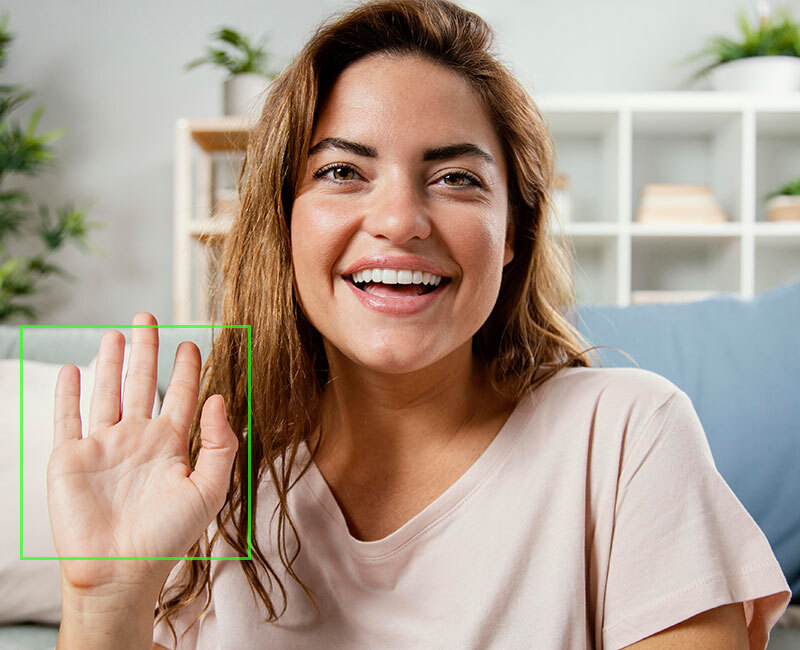
Gesture control
It allows the control of certain functionalities by means of manual gestures, so that the speaker can activate or deactivate them quickly and easily. The functions that can be carried out are:
- Camera control start
- Pause control
- Activate tracking
- Move camera Pan - tilt
- Zoom: In / Out
Layouts
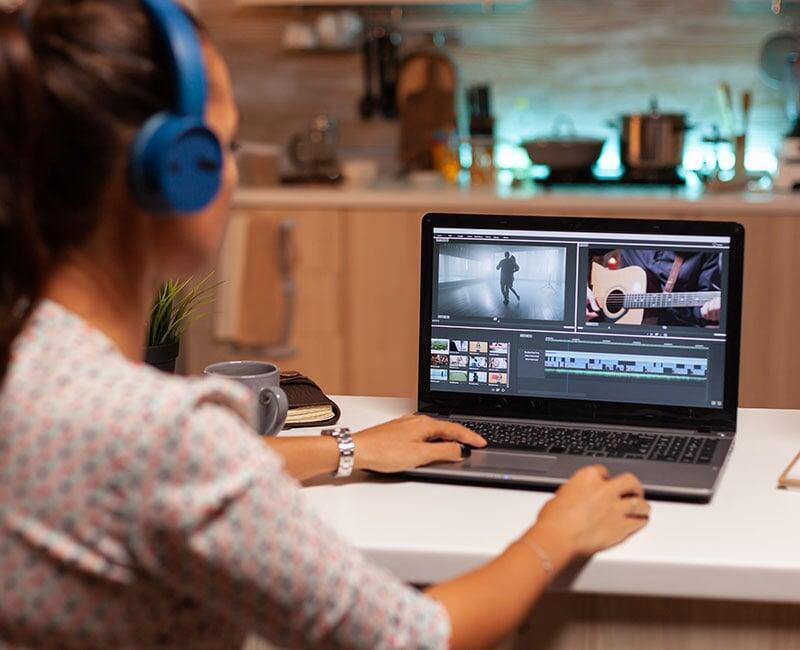
AI Cam Control® allows you to configure and playback video compositions for both IP and USB cameras*. This means that the video output of the application through its virtual camera "Laia Virtual Camera" can contain video signals from 2, 3 or 4 registered cameras simultaneously. AICC© allows you to choose between five types of layouts:
- Pip: "Picture in Picture".
- PbP Horizontal: "Picture by Picture".
- PbP Vertical
- SPLIT 3 chambers
- SPLIT 4 chambers
Depending on the selected Layout, as many cameras numbered from 1 to 4 will appear below as cameras are part of the selected layout.
*Feature available only for AI Cam Control Premium AI Cam Control for All licenses.
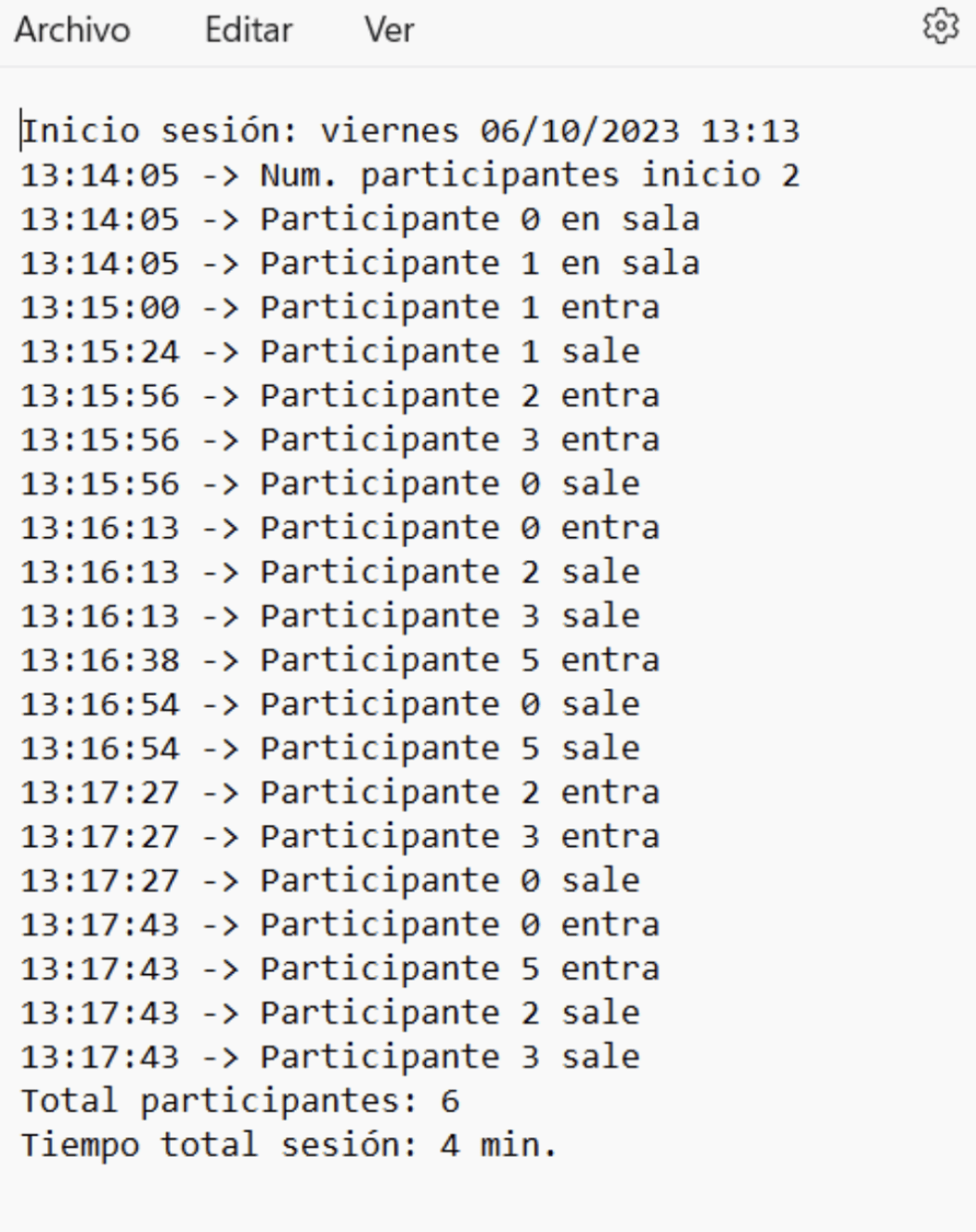
Metadata registration
It allows you to record the activity* occurring during a given session and save this information in a file for later analysis. The application is able to detect the people present in the camera's field of view, distinguishing each participant as a unique individual and assigning a number to each one. In addition, it computes the changes that occur while the session is active, i.e., it can keep track of the time at which a participant enters or leaves the camera's field of view.
*Functionality available only for licenses
AI Cam Control Premium AI Cam Control for All.
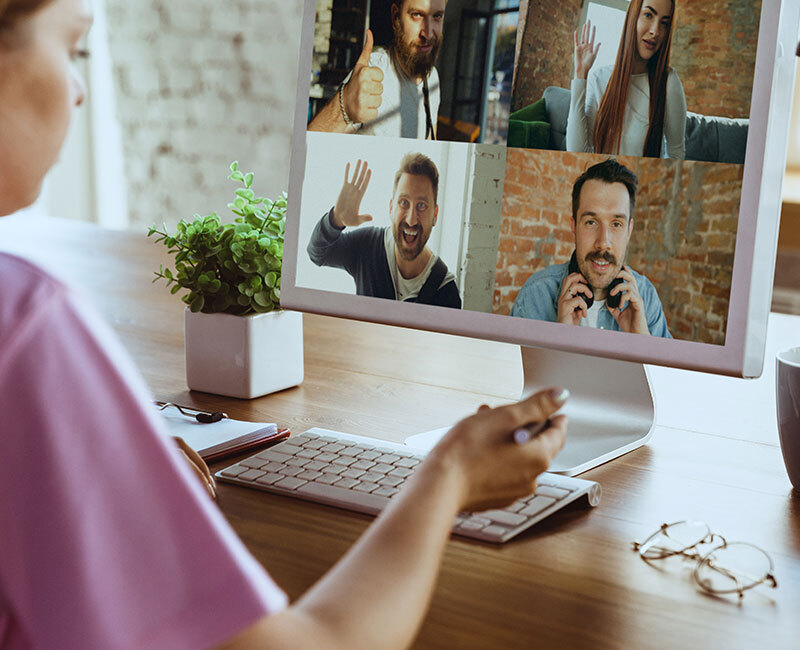
Mosaic of participants
This function automatically generates a video composition in which the different participants that are detected in the video signal are cropped in mosaic form, as if each of them had an individual camera framing them. In addition, this function automatically reframes each of the participants when they move laterally or vertically.
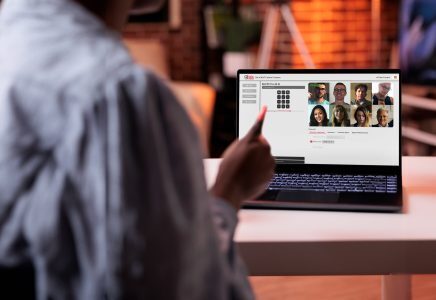
Power your camera with AI Cam Control®
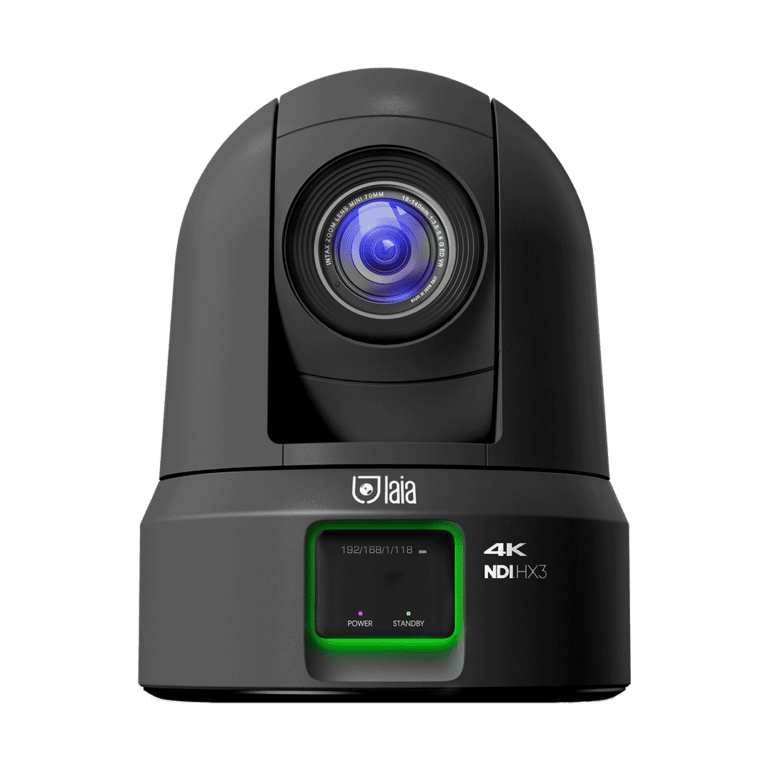
AICC® is the software application that allows you to comfortably manage and control your different cameras from Laia or other brands whether IP or USB, adding advanced AI functionalities. Gesture control, presets, auto-tracking, mosaic of participants, video recording...

Prime Support 6 years
Extended warranty coverage is available for all products within the C-Pro, C-Pro Infinity, and Broadcaster Pro families, giving customers added confidence in the long-term performance of their investment.
Laia’s Prime Support program is a premium service designed to deliver an elevated technical support experience. It provides faster response times and exclusive benefits that help ensure maximum peace of mind for our customers and partners. Prime Support is automatically included for three years from the date of purchase and can be extended to a total of six years by completing product registration within 90 days.
Specifications
Features
Camera registration: Compatible with IP and USB cameras
Manual framing control: Native control for PTZ cameras. Fixed cameras, digital framing
Activation of presets: Memorizes different camera frames. For PTZ only
Image adjustments: They act on the processor only in PTZ. In USB they are performed by software
Memorization of profiles: Allows you to save different configurations for a given camera
Logo inlay: Allows loading a PNG file that is superimposed on the video signal.
Video recording: Allows you to record a video clip in AVI format from the streaming signal
Virtual camera: It can be used in other applications, such as Teams, Zoom, goFacing...
Automatic tracking "auto tracking": Enables activation and adjustment of the automated tracking functionality, detecting the presence of a person and performing PTZ adjustments.
Mosaic of participants: Automatically generates a video composition in which the different participants appear as a mosaic.
Group framing: Detects people in your field of vision and adjusts the zoom
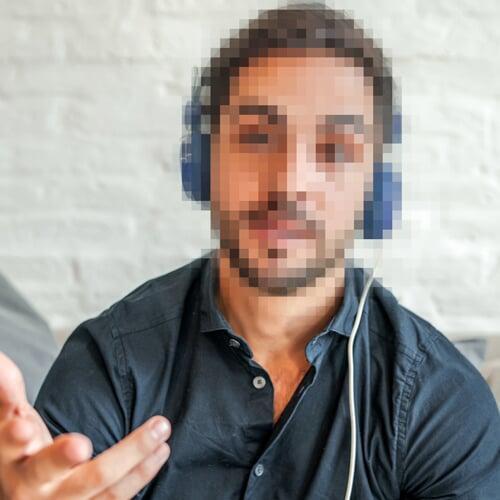
Masking of persons: Applies an effect that distorts the faces of people appearing in the camera's field of view
Background masking: Cuts out the person it automatically detects and allows to act on the background behind him/her
Gesture control: Analyzes possible hand gestures it detects in its field of vision and activates certain controls
Registration of licenses: Allows you to register licenses to activate certain functions
Requirements
Operating System: Microsoft Windows 10, 11 64-bit
CPU: Core i5 gen 11 or higher
RAM: Minimum 8 GB
Screen resolution: 1280 x 960 pixels or higher
Compatible cameras: Laia and others * (consult your distributor)